Gaming and Streaming Bottlenecks
Diagnose gaming and streaming bottlenecks by separating rendering, encoding and network limits, then preserve frame-time headroom for both workloads.
Read Gaming and Streaming Bottlenecks →Short answer: The limiting stage changes when the work changes. Gaming emphasizes frame delivery, streaming adds capture and encoding, productivity applications contain several processing stages, and local AI often begins with model fit and accelerator memory.
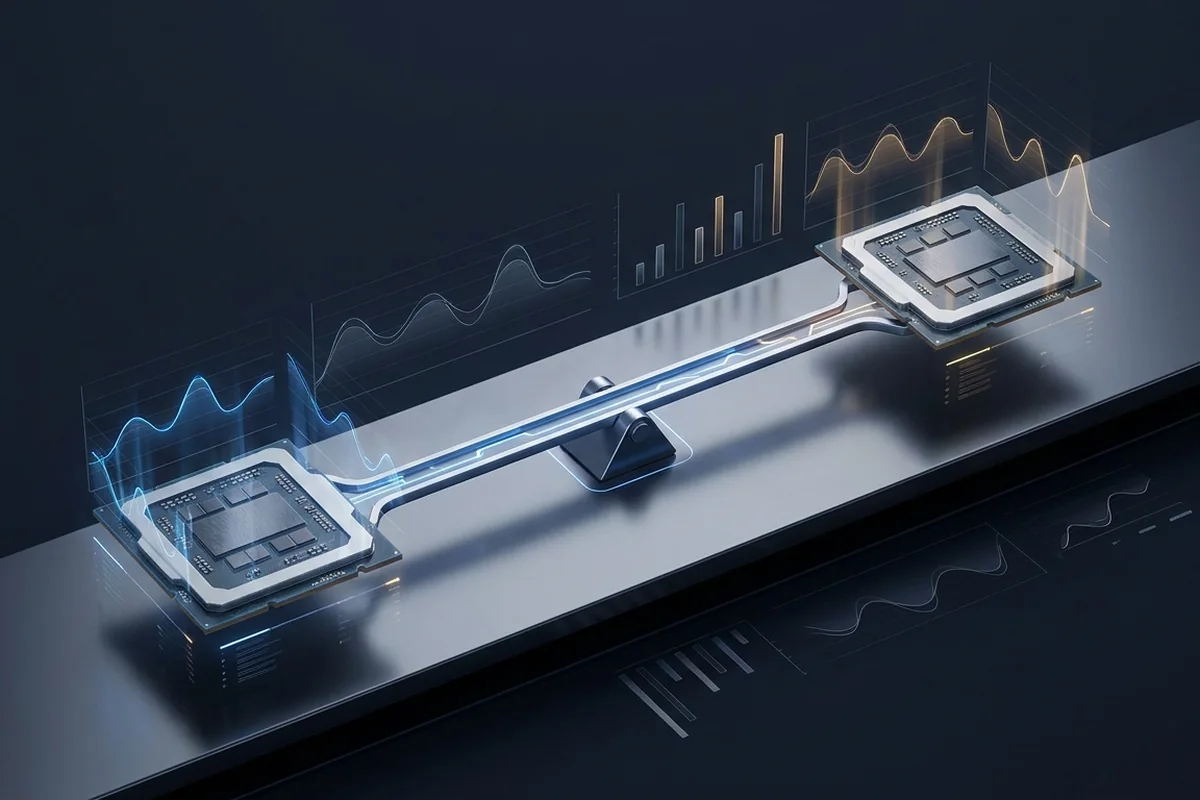
A game frame passes through simulation, CPU preparation and GPU rendering. Streaming adds capture, compositing and encoding. Editing can switch between decode, effects, preview, cache and export. Local AI separates model loading, preprocessing and steady inference.
Measure each stage that affects the final experience. A fast export does not guarantee a smooth timeline, and a quick model load does not guarantee high inference throughput.
Codecs, render engines, plug-ins and AI frameworks do not use every processor or graphics feature equally. Hardware acceleration can be unavailable, disabled or limited to particular formats. Confirm the exact software version and backend before treating a broad benchmark as transferable.
Capacity can outrank compute. A workload that spills beyond VRAM or system RAM may slow more than a nominally slower component that keeps the active data local.
Use frame-time consistency for interactive work and completion time or throughput for batch work. Average utilization may look low when a serial stage, synchronization point or data-transfer step controls the total time.
An upgrade should improve the metric the user experiences. Faster rendering is not a successful upgrade if timeline interaction, model capacity or stream stability was the actual constraint.
| Scenario | Signal or scale | Best next check |
|---|---|---|
| Gaming | CPU frame preparation and GPU rendering | Frame-time trace and 1% lows |
| Streaming | Game, compositor and encoder contention | Dropped frames plus game frame time |
| Editing and rendering | Decode, effects, memory and export stages | Per-stage time and preview behavior |
| Local AI | VRAM fit, bandwidth, compute and offload | Throughput, latency and memory pressure |
Start with the CPU and GPU bottleneck calculator, convert refresh targets with the FPS to frame-time calculator, or work through the diagnostic checklist.
Diagnose gaming and streaming bottlenecks by separating rendering, encoding and network limits, then preserve frame-time headroom for both workloads.
Read Gaming and Streaming Bottlenecks →Map professional workflows to the stage that actually controls export time, preview smoothness or build speed.
Read Workstation Bottlenecks: Editing, Rendering and Compiling →Plan a local AI workstation around model fit, VRAM, memory bandwidth and data movement, then measure loading separately from steady throughput.
Read AI Workstation Bottlenecks: VRAM, Bandwidth and Data Flow →The existing AI Photos resource, refocused on the CPU, GPU, VRAM and storage choices behind local image generation.
Read AI Image Generation PC Guide: Build for Local Models →See the verified CPUs and GPUs added to the calculator, plus a practical guide to choosing hardware for gaming, local AI or external compute.
Read New CPUs and GPUs for Gaming and Local AI in 2026 →