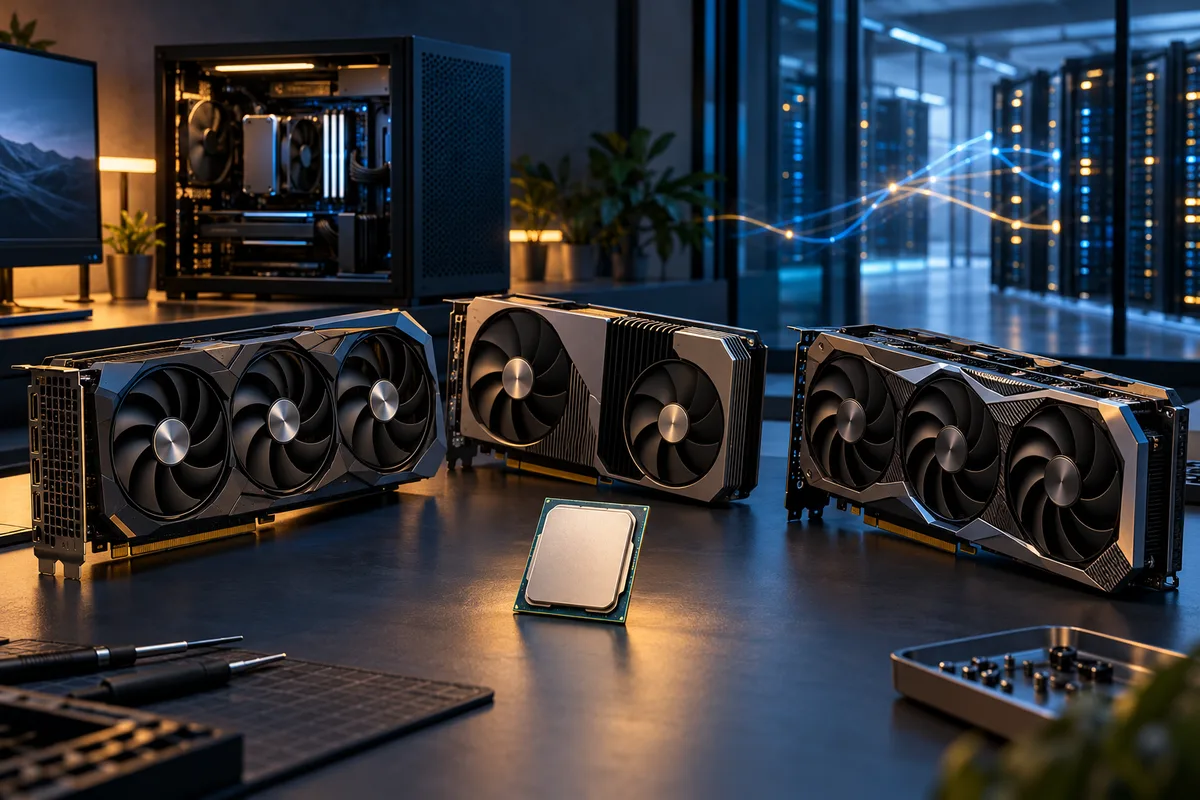
The CPUs and GPUs added in this update
This is a catalog reconciliation, not a claim that every part launched today. We compared the site against current AMD, Intel and NVIDIA product material, then added models that were absent from the calculator. Official sources support the names and specifications. The site’s normalized tier values and scenario model remain directional estimates, not independent benchmark scores or promised frame rates.
Five desktop processors now available
| Processor | Official detail checked | Why it belongs in a comparison |
|---|---|---|
| AMD Ryzen 9 9950X3D2 | 16 cores, 32 threads and 200 W default TDP | A premium AM5 option that needs separate gaming and sustained production tests. |
| AMD Ryzen 7 9850X3D | 8 cores, 16 threads, up to 5.6 GHz and 120 W | A gaming-focused X3D choice where CPU frame time and 1% lows matter. |
| AMD Ryzen 7 7700X3D | 8 cores, 104 MB total cache and up to 4.5 GHz | An AM5 gaming option that should be judged by total platform cost and the target GPU. |
| Intel Core Ultra 7 270K Plus | 24 total cores | A newer desktop option for mixed gaming and worker-thread workloads. |
| Intel Core Ultra 5 250K Plus | 18 total cores | A mainstream platform choice that needs firmware, memory and application context. |
Seven desktop graphics cards now available
| Graphics card | Memory or official detail checked | Question to test |
|---|---|---|
| AMD Radeon RX 9070 | 16 GB, 56 compute units and 220 W typical board power | Does it meet the native-resolution GPU frame-time target? |
| AMD Radeon RX 9070 GRE | 12 GB, 48 compute units and 220 W typical board power | Is 12 GB enough for the chosen game textures or local AI model? |
| AMD Radeon RX 9060 XT | 16 GB model, 32 compute units and 160 W typical board power | Does capacity matter more than the next step in raw rendering speed? |
| NVIDIA GeForce RTX 5060 | 8 GB | Can the intended 1080p or 1440p settings stay inside the memory budget? |
| NVIDIA GeForce RTX 5050 | 8 GB | Is the entry desktop tier enough for the measured base-frame target? |
| Intel Arc B580 | 12 GB and 20 Xe cores | Does the exact game or AI backend support the card well? |
| Intel Arc B570 | 10 GB and 18 Xe cores | Do memory, drivers and application support fit the real workload? |
Search any of these names in the CPU and GPU bottleneck calculator. A result tells you which side is more likely to run out of relative headroom. It does not replace a game benchmark, a compatibility check or an AI framework support check.
What the new hardware changes for a gaming PC
Start with the display target. A processor that helps an uncapped 1080p competitive game may make little visible difference when a graphics card is already over its frame-time budget at native 4K. The resolution bottleneck guide explains why that balance moves. Likewise, a faster GPU cannot repair simulation work, shader compilation or one busy CPU thread.
Use a three-pass test before treating a launch as an upgrade
- Save the real baseline. Use the PC bottleneck diagnostic checklist to record average FPS, 1% lows, CPU time, GPU time and peak graphics memory on the same route.
- Reduce rendering work only. Lower internal resolution or one GPU-heavy setting. A large improvement points toward graphics pressure. A flat result keeps the CPU, cap or game engine in the investigation.
- Price the complete change. Include motherboard, memory, cooler, power supply and case fit. A model number is not the installed cost.
For high-refresh gaming, compare the busiest scene rather than a quiet average. For visually demanding play, test native resolution and the exact ray-tracing preset. Generated frames can improve displayed smoothness, but the base frame still controls much of the input response and image history available to the generator. Our frame-time and 1% lows guide explains what to capture.
For local AI, memory fit comes before a broad performance tier
A local AI workload needs the model, its working buffers and often a growing context cache to fit somewhere. GPU memory is usually the fastest place for accelerator work, but capacity alone does not guarantee speed or software support. The framework, operating system, precision format and device backend must support the card you choose. Use the GPU bottleneck guide to separate capacity pressure from rendering or compute saturation.
CPU, GPU and NPU do different work
- GPU: Usually handles the highly parallel model operations when the framework supports it. VRAM capacity and bandwidth shape model fit and steady throughput.
- CPU: Loads data, tokenizes prompts, prepares batches and can run layers that do not fit on the GPU. More system RAM can make offloading possible, but it is not free GPU memory.
- NPU: Can accelerate supported low-power AI features. An NPU rating does not mean that every desktop LLM, image model or training package will use it.
An 8 GB card can run useful smaller or quantized workloads, but it provides less room for large image dimensions, bigger batches, long LLM contexts or several models loaded at once. A 12 GB or 16 GB card widens those options, yet backend support can reverse a simple memory-based shortlist. Check the exact application’s device documentation before buying. Then use the AI workstation bottleneck guide to measure model loading, offload and steady generation separately.
Keep AI comparisons fair
Record the model name and revision, quantization or precision, context length, batch size, backend and software version. Compare prompt-processing speed separately from generated tokens per second. For image generation, keep the checkpoint, resolution, sampler, step count and batch fixed. Without those controls, a faster-looking result may simply be an easier job.
Should AI run on the local machine or an external server?
Choose local hardware for repeated work, predictable access and data control. Choose external compute when demand is occasional, changes quickly or needs more accelerator memory than you can justify owning. A hybrid plan can keep private preparation local and send approved heavy jobs to a server.
| Decision factor | Local PC | External server |
|---|---|---|
| Up-front cost | Hardware, power supply, cooling and storage are paid before the first job. | Usually metered by time, capacity or usage. |
| Idle time | The system still ages and occupies space when unused. | You can stop the instance, but retained storage may still cost money. |
| Privacy | Data can stay on the machine when the software is also local. | Requires a clear provider, region, retention and access policy. |
| Scale | Bound by installed memory, power and physical slots. | Larger or multiple accelerators may be rented for a short job. |
| Network | Interactive work does not depend on an internet round trip. | Upload time, latency and egress charges may matter. |
Calculate the local option with purchase price, expected years of use, electricity and maintenance. Calculate the server option with active hours, attached storage, snapshots, upload or egress charges and the cost of leaving an instance running by mistake. Use the same model and settings on both sides. A rented flagship can finish a short project cheaply; a daily private workflow may favor owned hardware.
A practical shortlist for the new parts
If the main job is gaming
Choose the intended resolution, refresh rate and three demanding games. Use the reviewed CPU profiles to shortlist processors from CPU frame-time and low-percentile behavior. Compare the reviewed GPU profiles against native-resolution GPU time, image-quality settings and VRAM use. Run the calculator for direction, then confirm the result in a repeatable scene before spending.
If the machine will run local AI too
Write down the largest real model, its tested memory requirement and the supported backend first. Keep gaming and AI scores separate. A card can be attractive for raster gaming but awkward in one AI package, or excellent for an established compute stack while providing less memory than the intended model needs.
If an external server is possible
Rent a short test before buying. Measure load time, steady throughput, storage and transfer on the same project. Stop the instance, confirm that it is no longer billing, and compare the measured monthly use with local ownership. Do not turn one promotional hourly rate into a complete cost estimate.
The automated hardware watcher checks official AMD, Intel and NVIDIA pages each week. It stages new model names and source links for editorial review. Nothing enters the calculator or becomes an article until a person verifies the identity, specifications and usefulness.
Official sources checked
- AMD Ryzen desktop processor specifications
- AMD Computex 2026 desktop update
- AMD Radeon RX 9070 GRE specifications
- AMD Radeon RX 9070 specifications
- AMD Radeon RX 9060 XT specifications
- NVIDIA GeForce RTX 50 Series specifications
- Intel Core Ultra 200S Plus product brief
- Intel Arc B-Series desktop graphics
- BottleneckCalculator.biz methodology
