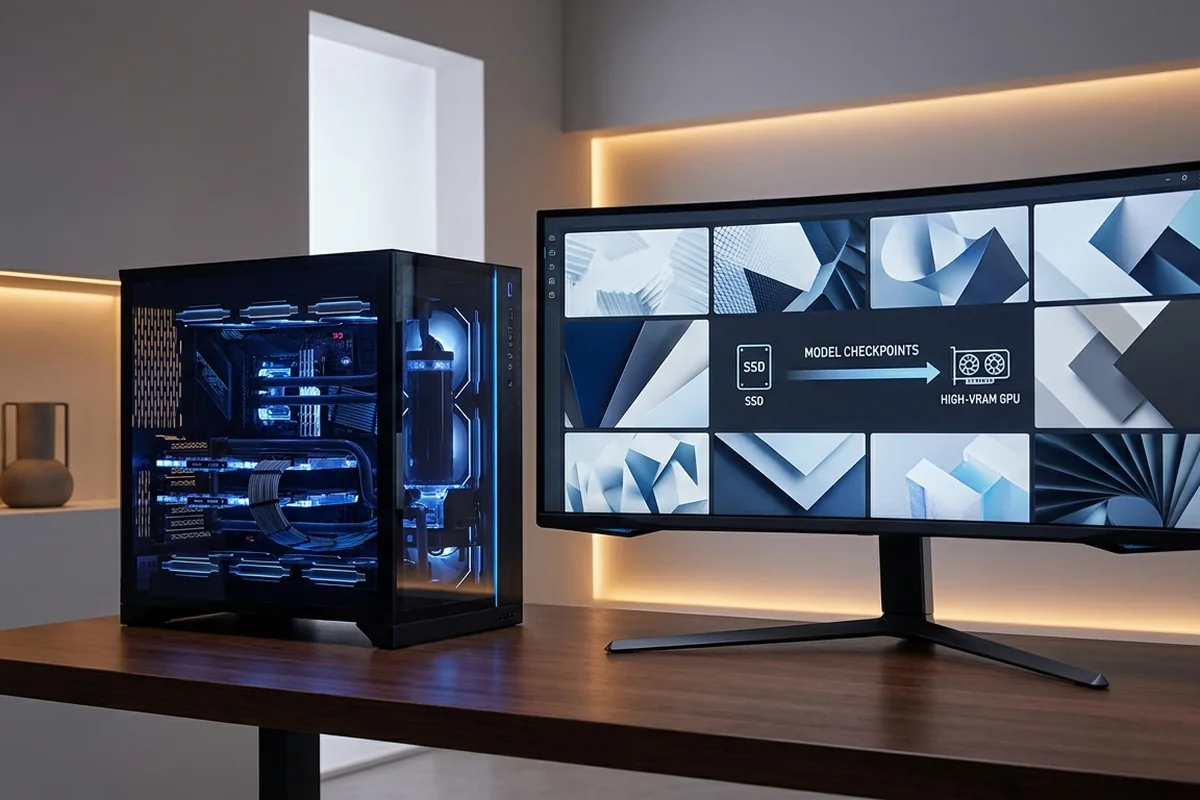
AI image generation turns text and image inputs into a pipeline of model loading, inference and decoding. For local work, GPU support and VRAM capacity usually dominate, while system memory and fast storage keep model switching and preprocessing responsive.
Measure the stage that misses its time or capacity target. Do not substitute a gaming percentage for the real project.
Map the processing stages in local AI image generation
The existing AI Photos resource, refocused on the CPU, GPU, VRAM and storage choices behind local image generation.
Signals that support local AI image generation
- Resolution, batch size and model family change VRAM demand.
- Supported GPU backends matter as much as raw compute.
- Model loading can make storage feel like the bottleneck between generations.
- Training adapters has a different profile from inference.
Benchmark local AI image generation in the real workflow
Test local AI image generation with the following controlled sequence and record the response after each change.
Controlled checks for local AI image generation
- Record generation time after the model is warm.
- Watch peak VRAM and whether layers offload to system memory.
- Compare one image with larger batches.
- Confirm the framework is using the intended accelerator backend.
A workflow-based example
A ComfyUI workflow completes one image comfortably but fails at a larger batch because peak VRAM crosses the card's capacity. Lower precision or a smaller batch restores operation. Timing only a cold launch would instead measure model loading and lead to the wrong storage-versus-GPU conclusion.
Evidence by workflow stage
Use the comparison to distinguish interactive delay, sustained throughput and capacity pressure. They can lead to different fixes.
| Local image task | Memory pressure | Benchmark |
|---|---|---|
| Single-image inference | Model plus activation memory | Warm generation seconds |
| Large batch or resolution | Higher peak VRAM | Peak allocation and images per minute |
| LoRA training | Optimizer and gradient state | Step time, VRAM and stability |
Optimize local AI image generation without moving the bottleneck
For local AI image generation, apply the lowest-risk relevant change first and repeat the original measurement before moving on.
Low-risk actions for local AI image generation
- Select GPU memory for the largest recurring workflow.
- Keep enough RAM to avoid paging during model switches.
- Store active checkpoints on an SSD.
- Use supported lower-precision modes when quality remains acceptable.
Pipeline distractions to separate
A slow completion time can come from several stages. Clear these alternatives before assigning the delay to one component.
- Model load time and steady image-generation time are separate measurements.
- A workflow can exceed VRAM because of resolution, batch size or extra models.
- Unsupported custom nodes can look like a hardware problem.
Workflow and workstation questions
How much VRAM do I need?
It depends on model, resolution, batch size and optimizations; measure the workflow you plan to repeat.
Does CPU matter for Stable Diffusion-style tools?
Yes for setup and preprocessing, but a supported GPU commonly dominates generation time.
Can I run models without a discrete GPU?
Some tools can run on CPU or integrated hardware, but generation is usually much slower and support varies.
Technical sources and further reading
The references below support the specific measurement method or technology discussed for local AI image generation. Check the documented software version and system configuration before transferring a result to another PC.
