How to Fix a CPU Bottleneck Before You Upgrade
Fix a confirmed CPU bottleneck in cost-and-risk order, from background tasks, cooling and memory setup to game settings and a platform upgrade.
Read How to Fix a CPU Bottleneck Before You Upgrade →Short answer: The correct upgrade is the least expensive complete change that reaches a defined target after lost performance has been restored. This process prevents a generic pairing score from becoming an unnecessary motherboard, CPU or graphics-card purchase.
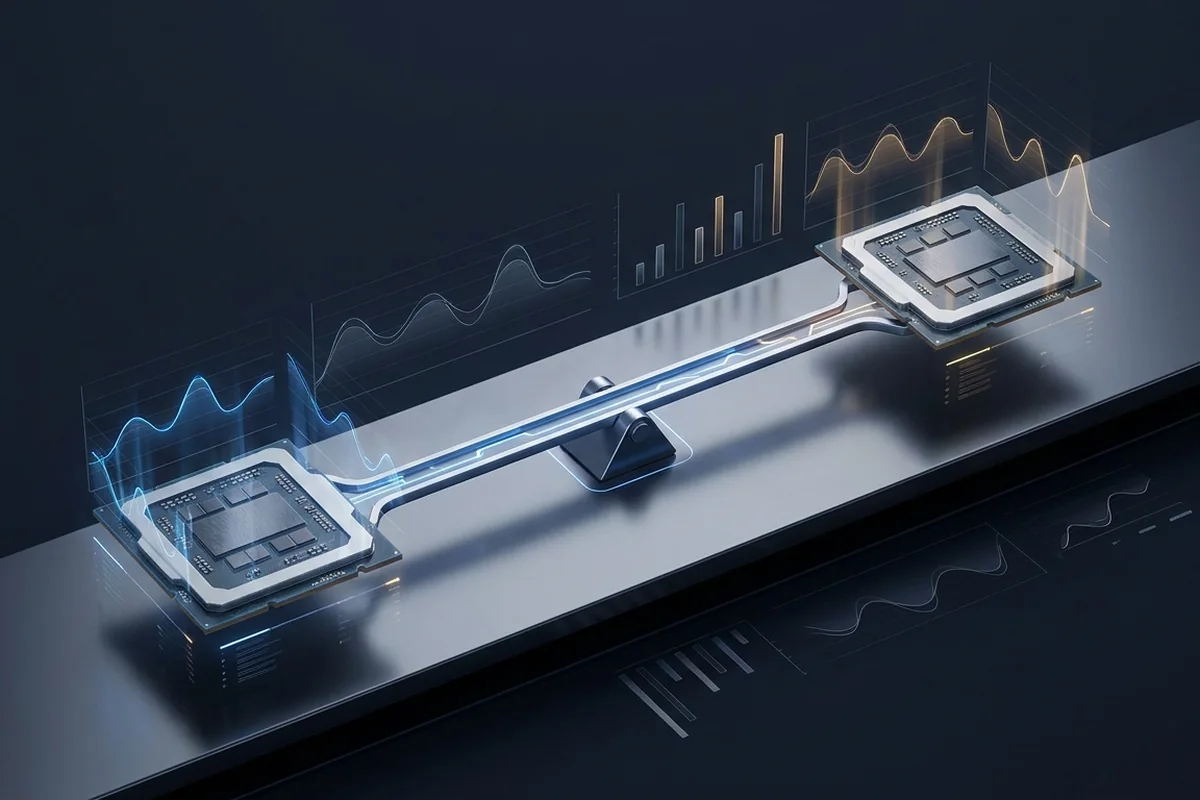
Before pricing hardware, verify memory channels and profiles, effective clocks, temperatures, power limits, drivers, firmware and background activity. A configuration or cooling fault can make a suitable component look underpowered.
Repeat the same baseline after each free fix. Keep a change only when it improves the target metric without creating instability, unacceptable noise or image-quality loss.
A CPU upgrade may require a motherboard, memory, cooler or operating-system preparation. A GPU upgrade may require more power capacity, a new connector, additional case clearance or better airflow. The comparison should include the whole installed cost.
Use the measured shortfall to set an upgrade threshold. If the current system misses the target by five percent, a costly platform replacement with an uncertain gain is harder to justify than when a repeatable CPU ceiling cuts performance in half.
After the upgrade, repeat the original capture before changing unrelated settings. This reveals the real gain and whether the bottleneck moved to another stage. Moving the limit is normal when the target improves.
Save the final baseline with software versions, temperatures and settings. It becomes the reference for future maintenance, driver changes and the next upgrade decision.
| Scenario | Signal or scale | Best next check |
|---|---|---|
| CPU path | Persistent CPU or engine ceiling | CPU, board, RAM and cooling cost |
| GPU path | Graphics response to reduced load | GPU, PSU, case and display target |
| Memory path | Capacity or bandwidth evidence | Correct layout, profile and required capacity |
| No purchase | Target met after free fixes | Keep the baseline and reassess later |
Start with the CPU and GPU bottleneck calculator, convert refresh targets with the FPS to frame-time calculator, or work through the diagnostic checklist.
Fix a confirmed CPU bottleneck in cost-and-risk order, from background tasks, cooling and memory setup to game settings and a platform upgrade.
Read How to Fix a CPU Bottleneck Before You Upgrade →Tune the expensive settings first, use upscaling intelligently, and verify power and cooling before replacing the card.
Read How to Fix a GPU Bottleneck Without Ruining Image Quality →Match the processor to frame target, game type and platform value instead of chasing a universal pairing chart.
Read How to Choose a CPU for Any GPU →A budget framework that aligns the display, CPU, GPU, memory, cooling and power supply around one clear target.
Read How to Plan a Balanced Gaming PC Build →The original FireForge guide, rebuilt as a modern framework for a cool, quiet and genuinely balanced gaming PC.
Read FireForge Gaming PC Build Guide →Verified AMD CPU and GPU updates for the week of October 26, 2026, with practical checks for gaming, upgrades and local AI.
Read CPU and GPU News for October 26, 2026: Gaming Graphics and Local AI →