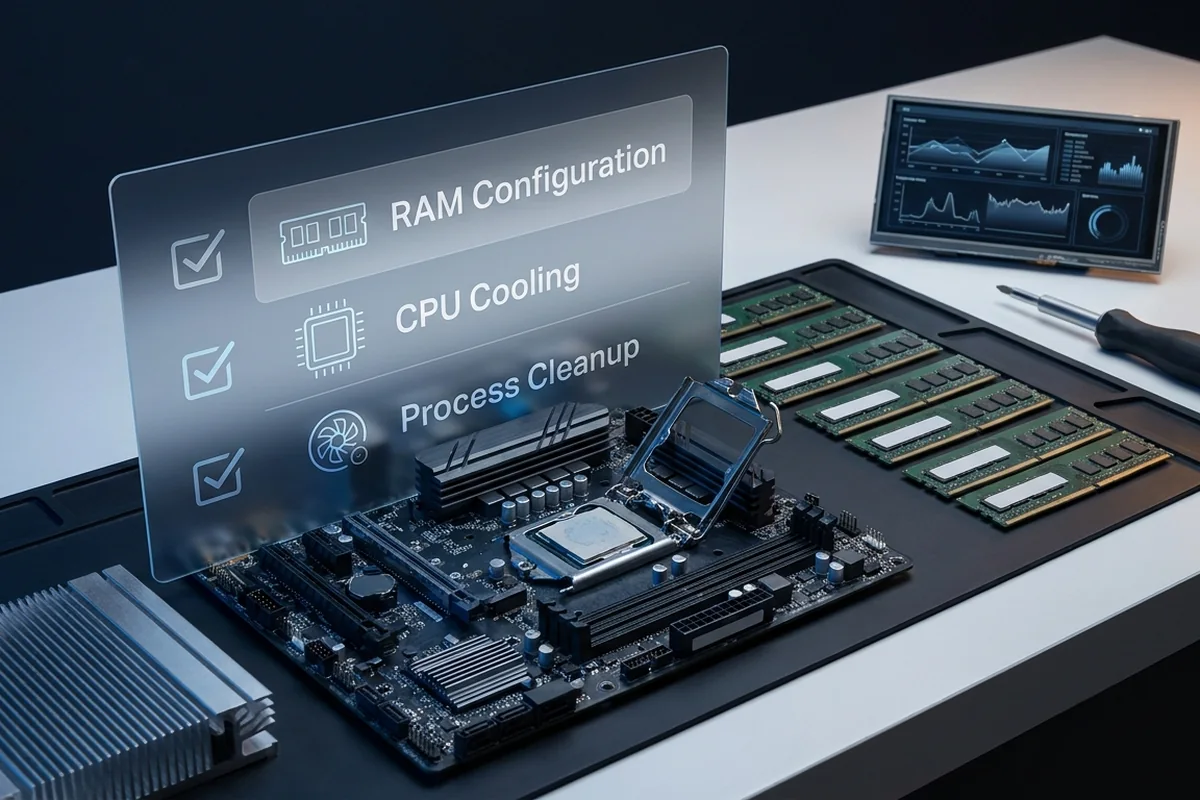
The best CPU-bottleneck fix depends on the cause. A configuration error, thermal limit or background encoder deserves a different response from an older architecture that has reached its frame-time ceiling.
Fix a confirmed CPU bottleneck in cost-and-risk order, from background tasks, cooling and memory setup to game settings and a platform upgrade.
Apply fixes for a CPU bottleneck in cost-and-risk order
For a CPU bottleneck, apply the lowest-risk relevant change first and repeat the original measurement before moving on.
Low-risk actions for a CPU bottleneck
- Close unnecessary work and use a stable power configuration.
- Reduce crowd, simulation, view-distance or object-density settings.
- Apply a sustainable frame cap.
- If upgrading, compare full platform cost and measured uplift in your games.
Compare the available choices
Judge each option against the same workload, target and installed cost. A faster part is not automatically the better first purchase.
| Fix | Cost and risk | Validation |
|---|---|---|
| Close background work | Free and low risk | Repeat the same capture |
| Verify memory profile and channels | Free with stability testing | Check configured rate and lows |
| Platform upgrade | High cost | Require a proven remaining target gap |
Prove whether the planned upgrade addresses a CPU bottleneck
Test a CPU bottleneck with the following controlled sequence and record the response after each change.
Controlled checks for a CPU bottleneck
- Repeat the controlled low-resolution test.
- Check effective clocks, temperatures and per-core load.
- Verify memory profile, channel layout and stable firmware.
- Measure the cost of streaming, browsers and overlays.
Worked purchase decision
A system misses its 144 FPS target while the memory kit runs at its fallback rate. Enabling the supported profile and removing a background recorder improves the repeatable low-percentile result enough to meet the goal. An expensive CPU and motherboard replacement is no longer justified.
Reasons to pause before buying
These conditions can make an upgrade look necessary even when configuration, temperature or the workload itself is the real limit.
- A frame cap can mimic a hard CPU ceiling.
- Disabled memory profiles can reduce CPU-side performance without requiring a new processor.
- Thermal throttling must be fixed before comparing CPU tiers.
Evidence to collect before an upgrade: a CPU bottleneck
Fix a confirmed CPU bottleneck in cost-and-risk order, from background tasks, cooling and memory setup to game settings and a platform upgrade.
Signals that support a CPU bottleneck
- Confirm the limit before changing hardware.
- Fix lost performance before buying more performance.
- Game settings can affect CPU workload even when labelled as graphics options.
- A CPU upgrade can require a motherboard, memory and cooler budget.
Upgrade planning questions
Will overclocking solve it?
Sometimes it provides a small uplift, but modern boost behavior, cooling and stability limit the gain.
Should I increase resolution?
That can improve utilization balance but does not raise the CPU's maximum frame rate.
When should I upgrade?
When the proven CPU ceiling remains below your target after configuration and thermal issues are resolved.
Technical sources and further reading
The references below support the specific measurement method or technology discussed for a CPU bottleneck. Check the documented software version and system configuration before transferring a result to another PC.
