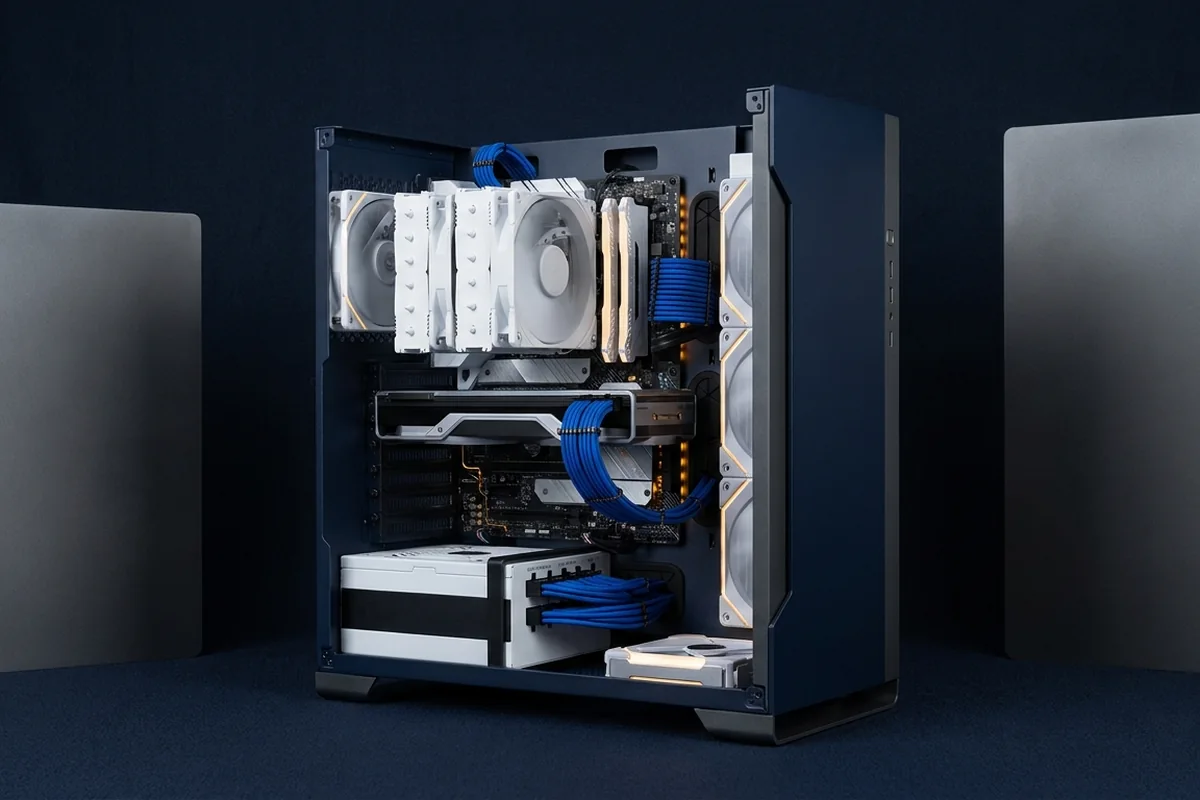
A balanced build is not a list of equally expensive parts. It is a system where each component supports the intended resolution, refresh rate, software and upgrade path without avoidable constraints.
A budget framework that aligns the display, CPU, GPU, memory, cooling and power supply around one clear target.
Apply fixes for gaming PC balance in cost-and-risk order
For gaming PC balance, apply the lowest-risk relevant change first and repeat the original measurement before moving on.
Low-risk actions for gaming PC balance
- Protect the GPU budget for graphics-heavy builds.
- Choose a CPU platform with the features you will actually use.
- Buy quality cooling and power delivery sized to the parts.
- Leave a small contingency for fans, adapters and storage.
Compare the available choices
Judge each option against the same workload, target and installed cost. A faster part is not automatically the better first purchase.
| Build target | Budget emphasis | Platform priority |
|---|---|---|
| 1080p high refresh | CPU and responsive GPU | Memory latency and upgrade path |
| 1440p balanced gaming | GPU-led with sufficient CPU | Cooling and power quality |
| 4K visual quality | Largest GPU share | VRAM, PSU and display features |
Prove whether the planned upgrade addresses gaming PC balance
Test gaming PC balance with the following controlled sequence and record the response after each change.
Controlled checks for gaming PC balance
- Define resolution, refresh, game mix and non-gaming workloads.
- Model the CPU–GPU pairing under at least two scenarios.
- Check memory capacity, storage needs and motherboard I/O.
- Validate PSU connectors, transient headroom and physical dimensions.
Worked purchase decision
A builder begins with a 1440p 165 Hz display and the games they actually play. They reserve more budget for the GPU, choose a CPU proven sufficient for the target lows, and avoid overspending on a board that adds no required feature. The resulting parts are unequal in price but balanced for the experience.
Reasons to pause before buying
These conditions can make an upgrade look necessary even when configuration, temperature or the workload itself is the real limit.
- Equal component prices do not guarantee balanced performance.
- A benchmark-balanced tower can still mismatch the monitor target.
- Ignoring PSU, cooling or motherboard limits can erase the planned headroom.
Evidence to collect before an upgrade: gaming PC balance
A budget framework that aligns the display, CPU, GPU, memory, cooling and power supply around one clear target.
Signals that support gaming PC balance
- Start with monitor and workload targets.
- Budget by performance impact rather than component prestige.
- Power, cooling and case clearance are functional requirements.
- Upgradeable does not mean buying unused capacity everywhere.
Upgrade planning questions
What should cost the most?
For a gaming-first build the GPU often receives the largest share, but the target and local prices decide the exact split.
Can a build be future-proof?
No build is permanent; you can preserve options with adequate power, case space and a sensible platform.
Do I need 32 GB RAM?
It is a comfortable target for many modern gaming and multitasking builds, but measure the applications you run.
Technical sources and further reading
The references below support the specific measurement method or technology discussed for gaming PC balance. Check the documented software version and system configuration before transferring a result to another PC.
