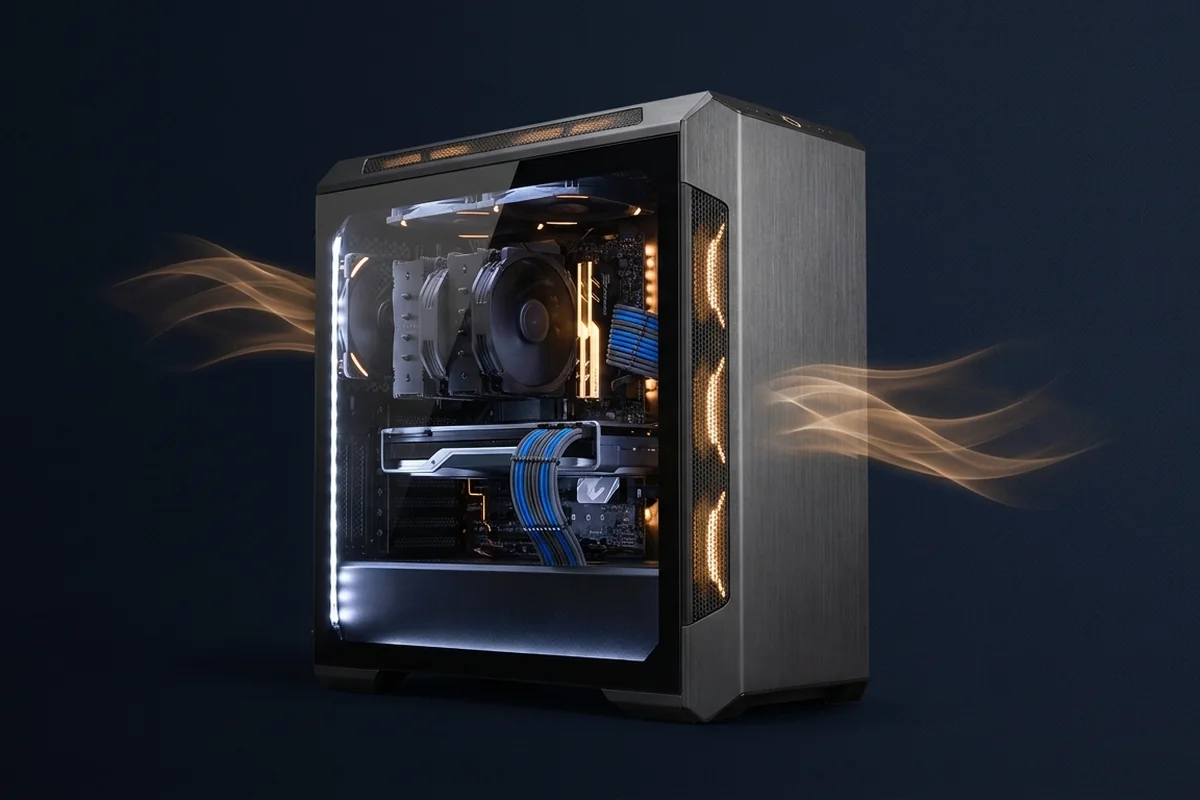
FireForge is a build philosophy rather than a fixed shopping list: select parts around a measurable experience, protect airflow and power quality, and leave an upgrade path that does not distort today's budget.
Define the performance target before the parts list
The original FireForge guide, rebuilt as a modern framework for a cool, quiet and genuinely balanced gaming PC.
Signals that support the FireForge gaming PC build
- Choose the display target before the component tier.
- Balance is workload-specific and should be tested at the intended settings.
- Case airflow and PSU quality protect sustained performance.
- A clean firmware baseline prevents invisible lost performance.
Commission and verify the finished system
For the FireForge gaming PC build, apply the lowest-risk relevant change first and repeat the original measurement before moving on.
Low-risk actions for the FireForge gaming PC build
- Assemble and test outside the case when practical.
- Update stable firmware, enable the memory profile and install chipset drivers.
- Run memory, CPU and GPU stability tests before tuning.
- Capture a performance baseline for future maintenance.
Example configuration and reasoning
A FireForge plan for 1440p begins with the display and noise target, not a flagship part. The builder selects a proportionate GPU, a CPU with enough frame-rate headroom, a quality power supply and a case that sustains both. Commissioning logs become the baseline for later maintenance and upgrades.
Validate the complete build plan
Test the FireForge gaming PC build with the following controlled sequence and record the response after each change.
Controlled checks for the FireForge gaming PC build
- Model the CPU and GPU at target resolution and refresh.
- Check motherboard lane layout, memory support and firmware maturity.
- Calculate power draw with transient headroom.
- Confirm cooler, GPU and cable clearances.
Build trade-offs to check
Use this matrix during part selection and again after assembly. The finished system should meet the same target used to choose the components.
| Build tier | Experience target | Validation focus |
|---|---|---|
| Efficient core | 1080p or moderate 1440p | Value, noise and upgrade path |
| Balanced performance | 1440p high refresh | Frame-time consistency and thermals |
| Enthusiast | 4K or specialist workloads | Power transients, cooling and display fit |
Planning traps that distort the parts list
A balanced build is not a list of similarly priced parts. Remove these misleading assumptions before finalizing the configuration.
- FireForge is a planning framework, not a fixed component list.
- A visually dramatic build can still have poor airflow or power choices.
- Synthetic stability alone does not validate the intended games.
Questions before completing the build
Is FireForge a parts list?
No. It is a repeatable method that remains useful as products and prices change.
How much PSU headroom?
Use component guidance and account for transient load, connector type, efficiency and future upgrades.
What should I benchmark first?
Validate stability and temperatures, then test the games and applications that motivated the build.
Technical sources and further reading
The references below support the specific measurement method or technology discussed for the FireForge gaming PC build. Check the documented software version and system configuration before transferring a result to another PC.
