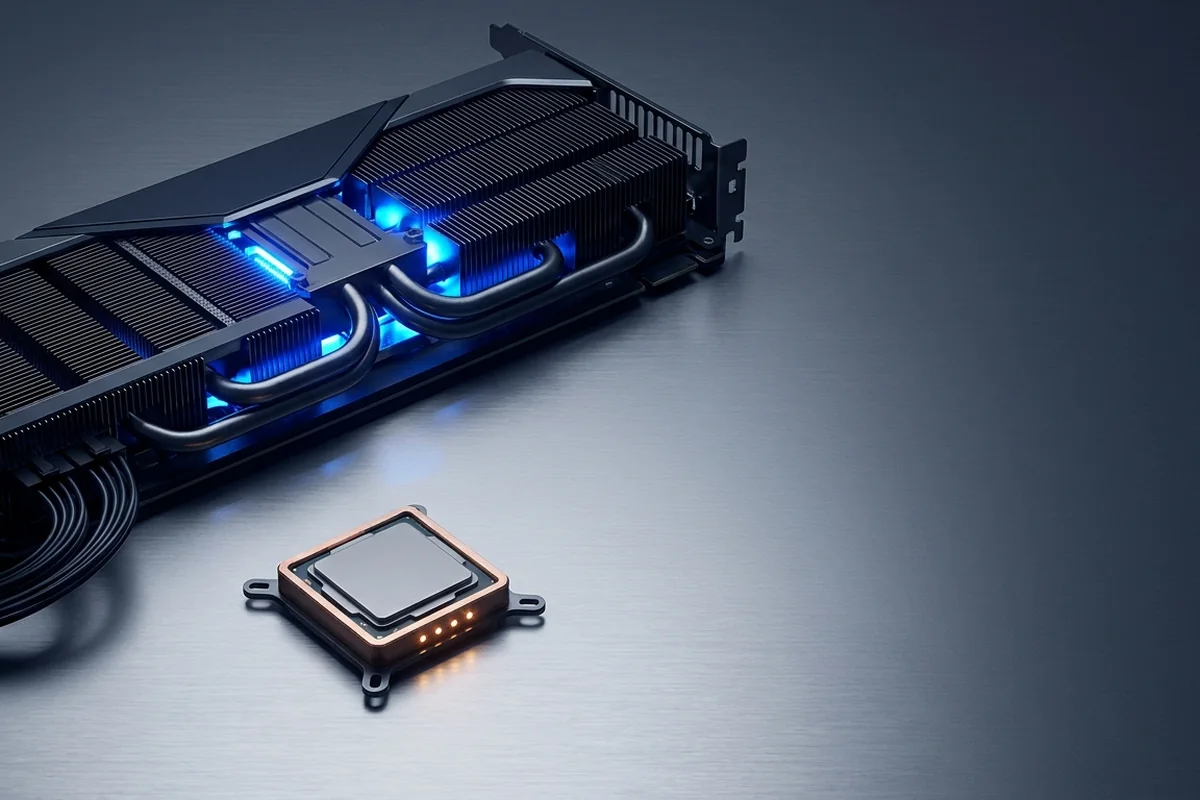
A GPU bottleneck means the graphics processor is the slowest stage in the frame pipeline. In most visually demanding games this is expected and desirable: the GPU is being used fully while the CPU retains enough headroom to deliver consistent work.
How to recognize GPU bottlenecks in real workloads
Understand when high GPU usage is healthy, when graphics hardware is the true limit, and how to tune for better frame pacing.
Signals that support GPU bottlenecks
- Sustained 95–100% GPU utilization is usually normal under a graphics-heavy load.
- Resolution, ray tracing, texture quality and upscaling mode strongly affect GPU headroom.
- VRAM pressure can cause stutter before raw shader performance is exhausted.
- Power or thermal limits can make a capable GPU behave like a slower tier.
How the evidence changes by scenario
Use the rows as comparisons, not as universal pass or fail values. The same hardware can move between limiting stages when the workload or target changes.
| Test | Expected response | Meaning |
|---|---|---|
| Lower render resolution | FPS rises clearly | The graphics path is sensitive |
| Lower textures only | Stutter falls but average FPS is similar | VRAM pressure was more important than compute |
| Enable quality upscaling | Frame time falls while image quality remains acceptable | A no-cost GPU-side fix is available |
How to confirm GPU bottlenecks with measurements
Test GPU bottlenecks with the following controlled sequence and record the response after each change.
Controlled checks for GPU bottlenecks
- Watch GPU utilization, clock speed, board power, temperature, VRAM use and frame time together.
- Reduce resolution or enable a quality upscaler; a clear FPS rise confirms GPU sensitivity.
- Separate shader limits from VRAM overflow by lowering texture quality independently.
- Check whether the card holds expected clocks during a long run, not just a short benchmark.
Problems that can look like GPU bottlenecks
A similar symptom does not prove the same cause. Rule out these alternatives before applying a hardware label.
- A power cap can hold utilization high while effective clocks stay below normal.
- VRAM overflow can cause stalls even when shader throughput is adequate.
- A frame cap can make 90% utilization perfectly sufficient for the target.
What to change after confirming GPU bottlenecks
For GPU bottlenecks, apply the lowest-risk relevant change first and repeat the original measurement before moving on.
Low-risk actions for GPU bottlenecks
- Lower the settings with the largest visual-cost ratio: ray tracing, shadows and volumetrics first.
- Use DLSS, FSR or XeSS where image quality is acceptable.
- Fix airflow, power cabling and driver issues before replacing hardware.
- Choose a GPU upgrade around resolution and target frame rate, not a generic bottleneck score.
A practical example of GPU bottlenecks
A native 4K run holds 98% GPU use at stable clocks and 52 FPS. Quality upscaling raises the same scene to 71 FPS while CPU thread activity remains similar. This is healthy GPU saturation, not a fault. The user can keep the current card by tuning image quality or upgrade only if native rendering is a firm requirement.
Common questions about GPU bottlenecks
Is 100% GPU usage dangerous?
No. High utilization is expected; temperature, power behavior and stability determine whether there is a problem.
Can a GPU bottleneck cause stutter?
Yes, especially with VRAM overflow or unstable clocks, although CPU, storage and shader compilation can produce similar symptoms.
Should I lower every setting?
No. Change one group at a time so you learn what the game actually responds to.
Technical sources and further reading
The references below support the specific measurement method or technology discussed for GPU bottlenecks. Check the documented software version and system configuration before transferring a result to another PC.
