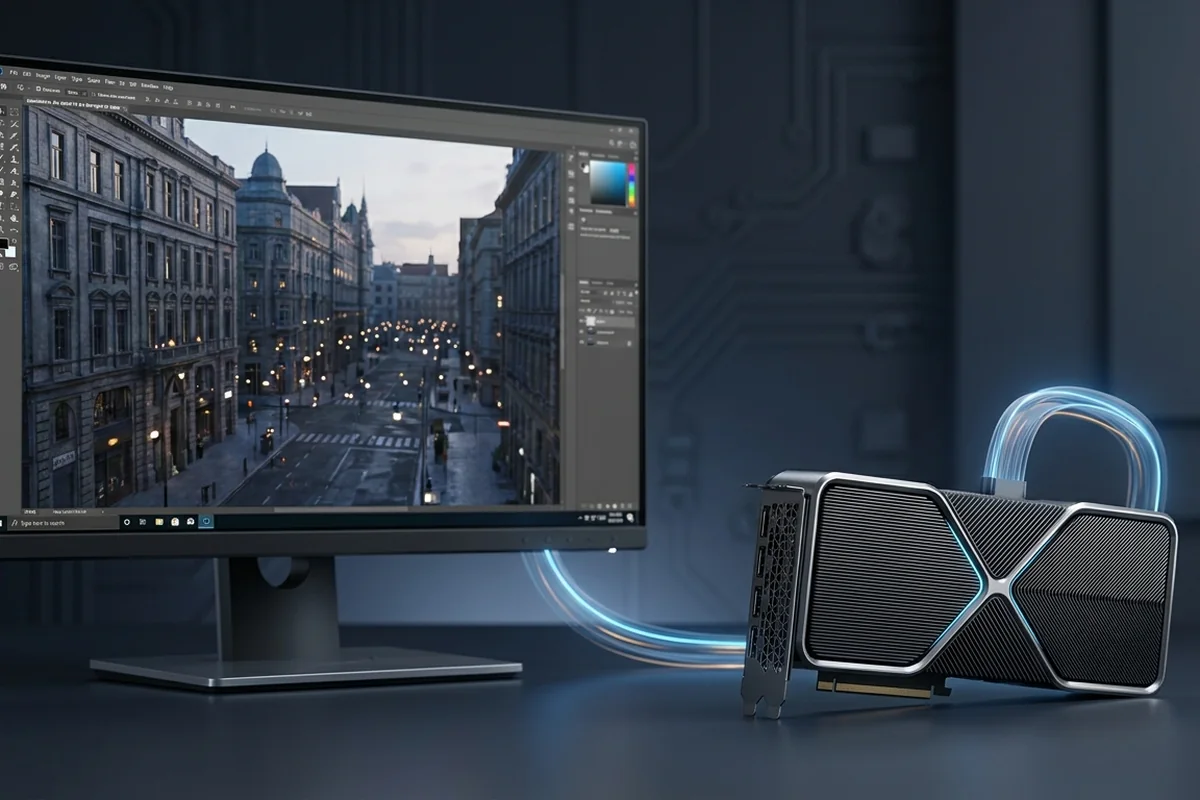
Native 4K places heavy demand on raster, ray-tracing and memory resources, so the graphics card commonly sets the frame rate. The CPU still governs simulation, draw calls and the maximum possible frame rate before graphics work is added.
Compare the target scenarios first
The target resolution, refresh rate and workload determine which result matters. Begin with the row closest to the experience you want.
| 4K mode | GPU demand | Important caveat |
|---|---|---|
| Native 4K | Highest pixel load | Memory and shader cost both matter |
| Quality upscaling | Lower internal load | Image reconstruction changes the comparison |
| 4K at 120 FPS | High GPU and CPU throughput | The frame budget is only 8.33 ms |
How a 4K performance target changes component pressure
Understand how 4K shifts performance pressure toward the GPU, when the CPU still matters, and which measurements confirm the limiting stage.
Signals that support a 4K performance target
- 4K has four times the pixels of 1080p.
- Upscaling quality mode reduces the internal workload.
- VRAM capacity and bandwidth become more visible at high textures.
- A stable 60–120 FPS target can change CPU requirements dramatically.
Target-setting example
A title runs at 58 FPS in native 4K and 86 FPS in a quality-upscaled mode with stable CPU activity. That response confirms a graphics-sensitive scenario. Another simulation-heavy title may remain at 90 FPS in both modes, demonstrating why resolution alone cannot identify the limit. Logging VRAM beside frame time also separates shader pressure from a capacity-related stutter.
Test a 4K performance target on your own system
Test a 4K performance target with the following controlled sequence and record the response after each change.
Controlled checks for a 4K performance target
- Compare native 4K, quality upscaling and a lower resolution.
- Watch GPU clock, power and VRAM alongside utilization.
- Reduce texture and ray-tracing settings independently.
- Check CPU frame time when upscaling raises FPS.
Plan settings and upgrades for a 4K performance target
For a 4K performance target, apply the lowest-risk relevant change first and repeat the original measurement before moving on.
Low-risk actions for a 4K performance target
- Prioritize GPU budget for native 4K quality.
- Use upscaling and frame generation with an adequate base frame rate.
- Choose a CPU that sustains the target, not one selected only by tier symmetry.
- Plan power supply and case cooling with the GPU upgrade.
Variables that can invalidate the comparison
Check these details before attributing a change to resolution or hardware. Each one can shift the workload without being obvious in an FPS summary.
- A 4K output may use a lower internal resolution through temporal upscaling.
- Ray tracing can dominate independently of raster performance.
- CPU-heavy simulation and 120 Hz targets can still expose a processor limit.
Questions about this performance target
Does CPU choice not matter at 4K?
It still matters for minimums, simulation-heavy games and high refresh targets.
Is frame generation a bottleneck fix?
It can increase displayed frames, but it does not remove low base frame rate or input-latency constraints.
Will more VRAM increase FPS?
Only when capacity was the limit; otherwise it mainly provides headroom.
Technical sources and further reading
The references below support the specific measurement method or technology discussed for a 4K performance target. Check the documented software version and system configuration before transferring a result to another PC.
