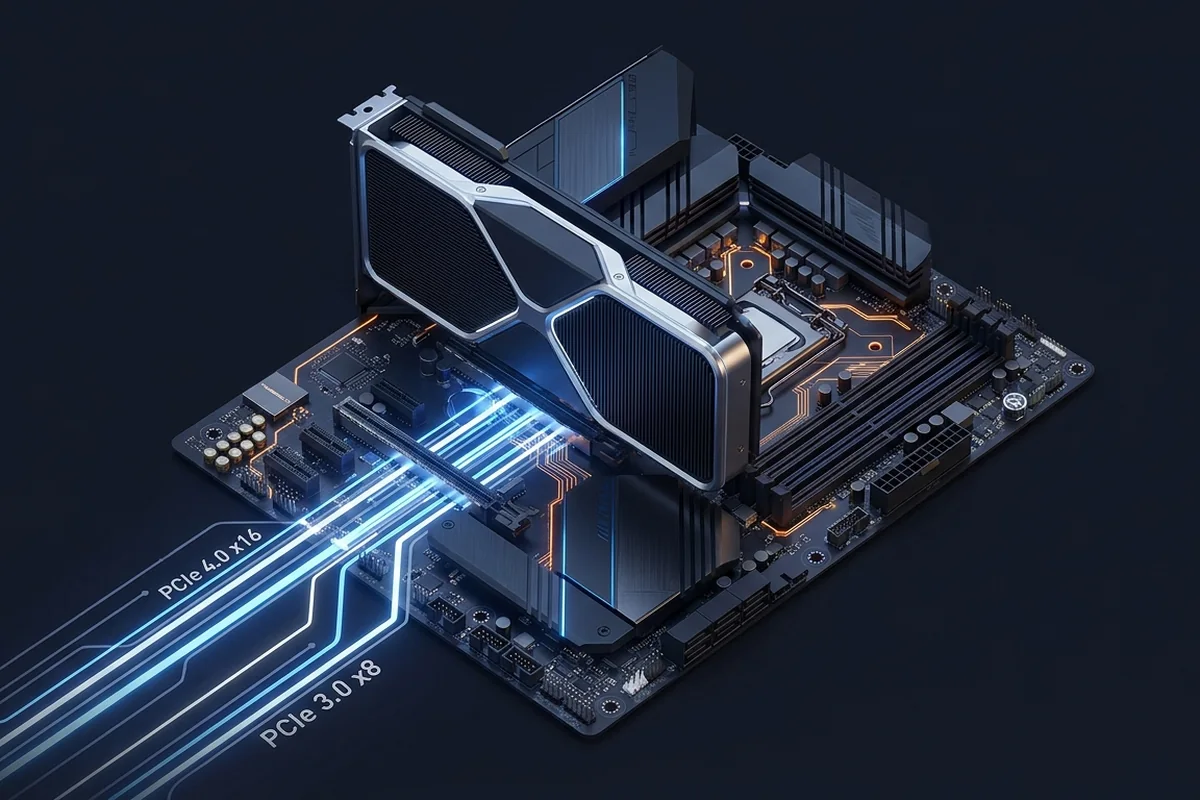
PCI Express is the transport between key components, but a newer generation does not automatically produce more FPS. Bottlenecks appear when a device receives too few effective lanes, shares bandwidth unexpectedly or transfers more data than the link can comfortably carry.
How to recognize PCIe bottlenecks in real workloads
Know when interface bandwidth matters, how lane width changes the equation, and which configurations deserve attention.
Signals that support PCIe bottlenecks
- Generation and lane width jointly determine link bandwidth.
- A card wired for fewer lanes can be more sensitive to an older platform.
- Resizable BAR and platform configuration can alter transfer efficiency.
- VRAM overflow increases traffic and can amplify a narrow-link penalty.
How the evidence changes by scenario
Use the rows as comparisons, not as universal pass or fail values. The same hardware can move between limiting stages when the workload or target changes.
| Link | Approximate one-way bandwidth | Diagnostic context |
|---|---|---|
| PCIe 3.0 ×16 | About 16 GB/s | Often adequate for a full-width gaming GPU |
| PCIe 4.0 ×8 | About 16 GB/s | Similar link bandwidth through fewer faster lanes |
| PCIe 4.0 ×4 | About 8 GB/s | Worth testing on cards wired for four lanes |
How to confirm PCIe bottlenecks with measurements
Test PCIe bottlenecks with the following controlled sequence and record the response after each change.
Controlled checks for PCIe bottlenecks
- Confirm the negotiated link width and speed while the GPU is under load.
- Read the motherboard lane-sharing table before populating every slot.
- Retest after reseating the card and checking firmware settings.
- Compare with VRAM use below the card's capacity.
Problems that can look like PCIe bottlenecks
A similar symptom does not prove the same cause. Rule out these alternatives before applying a hardware label.
- A monitoring tool may show the idle link state until a render load begins.
- Low GPU utilization can originate in the CPU rather than the PCIe link.
- VRAM overflow can magnify traffic and make a capacity problem look like a lane problem.
What to change after confirming PCIe bottlenecks
For PCIe bottlenecks, apply the lowest-risk relevant change first and repeat the original measurement before moving on.
Low-risk actions for PCIe bottlenecks
- Use the primary CPU-connected graphics slot.
- Update stable firmware and chipset drivers.
- Move secondary devices if the board shares critical lanes.
- Replace the platform only when measurement shows the link is material to your workload.
A practical example of PCIe bottlenecks
A graphics card expected to negotiate sixteen lanes reports four lanes under load after a second expansion card is installed. The motherboard manual confirms shared lanes. Moving the secondary device restores the full link and removes a repeatable performance drop, proving a configuration bottleneck rather than a weak GPU. A second run with VRAM use below capacity confirms that spill traffic was not responsible for the change.
Common questions about PCIe bottlenecks
Does PCIe 5.0 improve every GPU?
No. The device must need the additional bandwidth before the faster link changes performance.
Is x8 always bad?
No. The impact depends on PCIe generation, GPU design and workload.
Can an M.2 drive reduce GPU lanes?
On some boards, yes. The motherboard manual documents lane sharing.
Technical sources and further reading
The references below support the specific measurement method or technology discussed for PCIe bottlenecks. Check the documented software version and system configuration before transferring a result to another PC.
