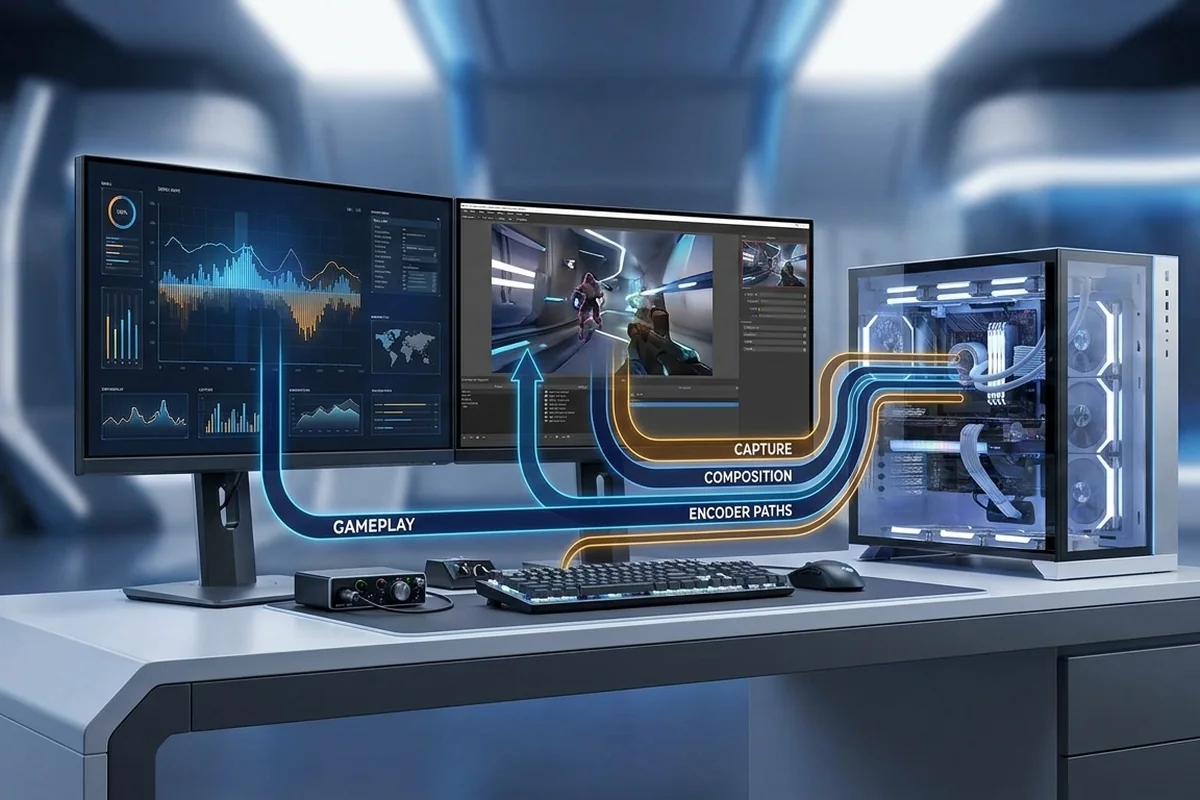
Streaming adds capture, composition, encoding and network work to a game that may already be near its limit. The best configuration protects the game's frame delivery and the encoder's deadline at the same time.
Measure the stage that misses its time or capacity target. Do not substitute a gaming percentage for the real project.
Map the processing stages in gaming and streaming
Diagnose gaming and streaming bottlenecks by separating rendering, encoding and network limits, then preserve frame-time headroom for both workloads.
Signals that support gaming and streaming
- Hardware encoders usually reduce CPU pressure.
- Scene composition, browser sources and filters still consume resources.
- An uncapped game can starve the encoder of GPU headroom.
- Dropped network frames and rendering lag are different problems.
Benchmark gaming and streaming in the real workflow
Test gaming and streaming with the following controlled sequence and record the response after each change.
Controlled checks for gaming and streaming
- Separate game lag, rendering lag, encoding lag and network drops.
- Log the game while reading the streaming application's statistics.
- Test a frame cap that leaves GPU headroom.
- Disable sources and filters in groups to isolate overhead.
A workflow-based example
A game uses the GPU fully and remains smooth, but the stream reports rendering lag. Capping the game below its uncapped peak leaves composition headroom and removes the missed frames. Replacing the CPU would not address this GPU-scheduling case. The OBS log shows no network drops or encoder overload, so those two paths can be excluded before changing output quality.
Evidence by workflow stage
Use the comparison to distinguish interactive delay, sustained throughput and capacity pressure. They can lead to different fixes.
| OBS symptom | Likely path | First response |
|---|---|---|
| Rendering lag | GPU composition pressure | Cap game FPS and simplify scenes |
| Encoding overload | Encoder or CPU pressure | Review encoder and output settings |
| Dropped network frames | Connection path | Test bitrate and network stability |
Optimize gaming and streaming without moving the bottleneck
For gaming and streaming, apply the lowest-risk relevant change first and repeat the original measurement before moving on.
Low-risk actions for gaming and streaming
- Use a supported hardware encoder when quality and workflow fit.
- Cap game FPS below the maximum unstable rate.
- Reduce preview and composition overhead.
- Upgrade the subsystem proven to miss its deadline.
Pipeline distractions to separate
A slow completion time can come from several stages. Clear these alternatives before assigning the delay to one component.
- Network dropped frames are not the same as render or encode lag.
- A game can remain smooth while OBS lacks GPU time to composite.
- An overloaded software encoder can resemble a game CPU bottleneck.
Workflow and workstation questions
Is CPU encoding always better?
No. Modern hardware encoders can offer excellent quality with much lower game-side CPU cost.
Why does stream lag start at 99% GPU?
The composition or encoder path may not receive enough scheduling headroom.
Does faster internet fix encoding lag?
No. Network capacity does not fix local rendering or encoding delays.
Technical sources and further reading
The references below support the specific measurement method or technology discussed for gaming and streaming. Check the documented software version and system configuration before transferring a result to another PC.
