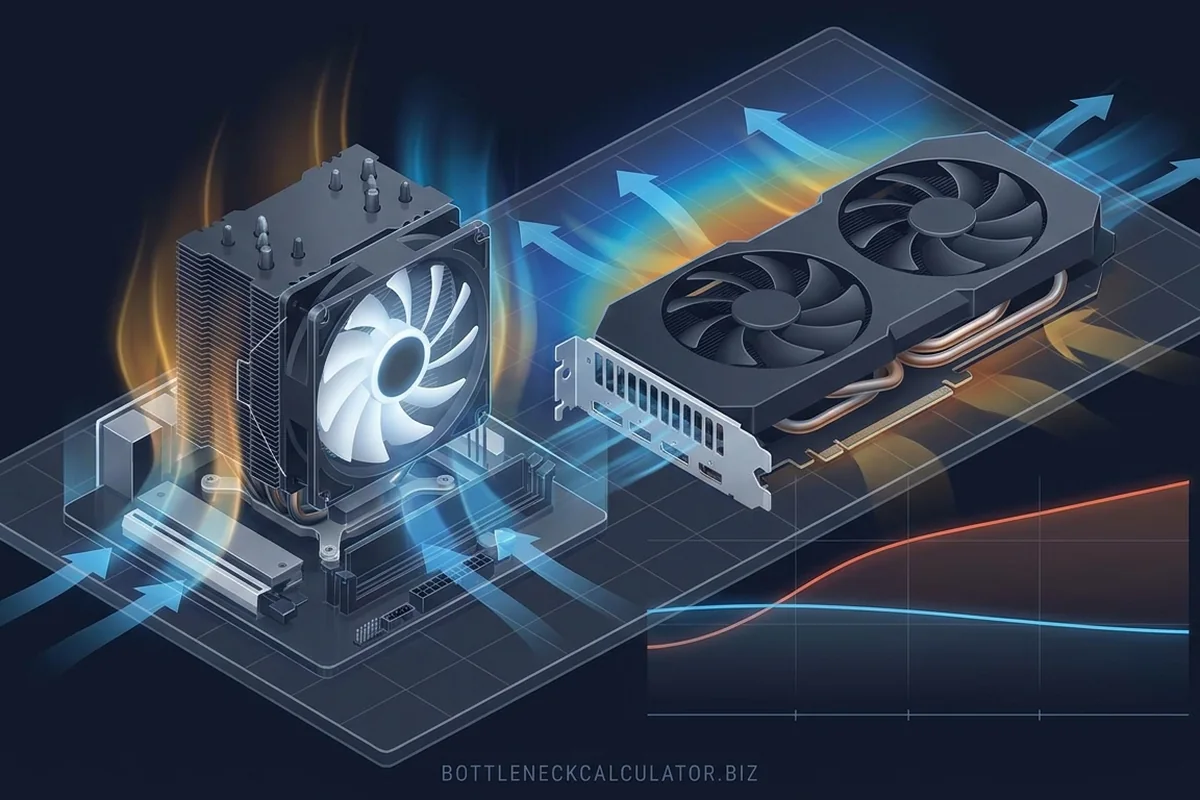
A normal bottleneck is the slowest component at its intended operating state. Thermal throttling is a protective reduction in clock or power because temperature limits are reached. One is a workload relationship; the other is an operating-condition problem.
How to recognize thermal throttling and hardware bottlenecks in real workloads
Two problems can look identical in an FPS graph. Here is how to tell falling clocks from an underpowered component.
Signals that support thermal throttling and hardware bottlenecks
- Throttling tends to worsen as a test heats up.
- Temperature alone is not proof; clocks, power and limit flags provide context.
- Poor case airflow can affect both CPU and GPU simultaneously.
- A short benchmark may hide a cooling problem visible after twenty minutes.
How the evidence changes by scenario
Use the rows as comparisons, not as universal pass or fail values. The same hardware can move between limiting stages when the workload or target changes.
| Timeline pattern | Likely cause | Next check |
|---|---|---|
| Stable clocks and stable performance | Normal workload limit | Test component sensitivity |
| Temperature rises while clocks fall | Thermal constraint | Inspect cooling and limit flags |
| Power limit flag with safe temperature | Power constraint | Check firmware and board limits |
How to confirm thermal throttling and hardware bottlenecks with measurements
Test thermal throttling and hardware bottlenecks with the following controlled sequence and record the response after each change.
Controlled checks for thermal throttling and hardware bottlenecks
- Log temperature, clock, power and frame time from a cold start through a long repeatable run.
- Look for clock reductions that align with temperature or thermal-limit flags.
- Repeat with a conservative fan curve or open-panel diagnostic test.
- Check pump, fan orientation, dust and cooler mounting.
Problems that can look like thermal throttling and hardware bottlenecks
A similar symptom does not prove the same cause. Rule out these alternatives before applying a hardware label.
- A high temperature is not throttling unless clocks, power or a limit flag respond.
- A workload can naturally reduce boost as its instruction mix changes.
- A frame cap can flatten performance at the same time the system reaches steady temperature.
What to change after confirming thermal throttling and hardware bottlenecks
For thermal throttling and hardware bottlenecks, apply the lowest-risk relevant change first and repeat the original measurement before moving on.
Low-risk actions for thermal throttling and hardware bottlenecks
- Clean filters and restore a clear intake-to-exhaust path.
- Use sensible power limits or undervolting where supported and tested.
- Remount a cooler only with the correct hardware and procedure.
- Do not buy a faster component until the existing one sustains normal clocks.
A practical example of thermal throttling and hardware bottlenecks
A ten-minute render begins at 4.8 GHz and finishes near 4.1 GHz while temperature reaches the processor limit and completion time worsens each pass. An open-panel test changes little, but reseating the cooler restores sustained clocks. The original result was lost operating performance, not evidence that the CPU model needed replacement.
Common questions about thermal throttling and hardware bottlenecks
Is 80°C always throttling?
No. Safe and limiting temperatures vary by component; use its reported limit flags and clock behavior.
Can undervolting improve FPS?
It can improve sustained clocks when power or temperature was the constraint, but it requires stability testing.
Does an open case prove airflow is bad?
A large improvement is a useful clue, not a complete diagnosis.
Technical sources and further reading
The references below support the specific measurement method or technology discussed for thermal throttling and hardware bottlenecks. Check the documented software version and system configuration before transferring a result to another PC.
