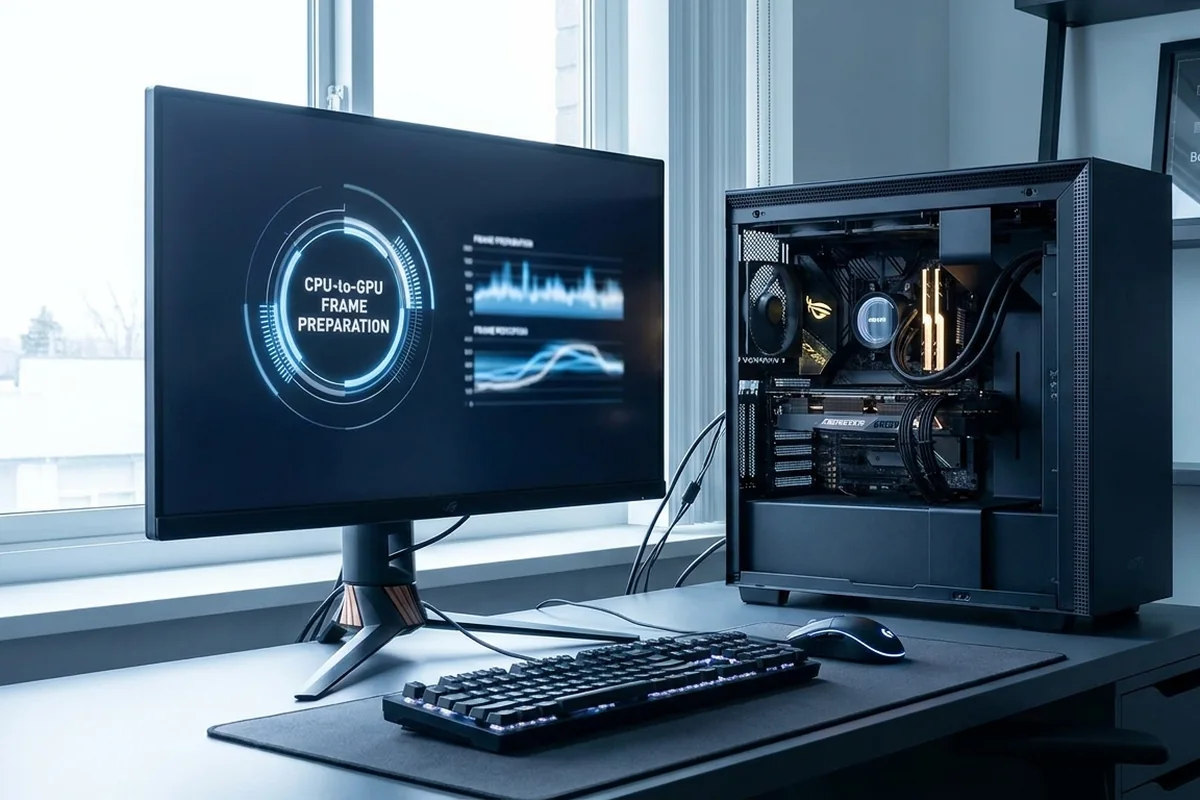
At 1080p, modern high-end GPUs can finish frames quickly enough that CPU preparation becomes the ceiling. The effect is strongest at 144–360 Hz targets and in simulation, esports and large multiplayer workloads.
Compare the target scenarios first
The target resolution, refresh rate and workload determine which result matters. Begin with the row closest to the experience you want.
| 1080p target | Typical pressure | First validation |
|---|---|---|
| 60 FPS | Often modest on both parts | Check caps and frame pacing |
| 144 FPS | More CPU-sensitive | Inspect per-core activity |
| 240+ FPS | Strong CPU and engine demand | Use a low-resolution response test |
How a 1080p performance target changes component pressure
Why Full HD and high refresh rates expose CPU limits, plus the settings that help separate CPU and GPU pressure.
Signals that support a 1080p performance target
- Lower pixel count reduces GPU work per frame.
- High refresh targets shorten the CPU's time budget.
- Visual settings such as crowd density can remain CPU-heavy.
- Entry GPUs can still be the limit at 1080p with demanding effects.
Target-setting example
A competitive player lowers quality at 1080p but remains near 190 FPS while one game thread is saturated. Raising texture quality barely changes FPS, which confirms spare GPU capacity. The correct upgrade question is whether a stronger CPU or platform improves the 240 FPS target in that specific engine. A separate 60 FPS story game on the same PC can remain comfortably below both component limits.
Test a 1080p performance target on your own system
Test a 1080p performance target with the following controlled sequence and record the response after each change.
Controlled checks for a 1080p performance target
- Compare native 1080p with a lower render scale.
- Watch per-core load and GPU utilization in the same scene.
- Test a sensible frame cap.
- Separate competitive low settings from quality presets.
Plan settings and upgrades for a 1080p performance target
For a 1080p performance target, apply the lowest-risk relevant change first and repeat the original measurement before moving on.
Low-risk actions for a 1080p performance target
- Choose a strong gaming CPU for very high refresh targets.
- Keep memory latency and background load under control.
- Increase selected GPU-heavy settings if headroom is unused.
- Upgrade only if the limiting component blocks the desired refresh experience.
Variables that can invalidate the comparison
Check these details before attributing a change to resolution or hardware. Each one can shift the workload without being obvious in an FPS summary.
- A 60 FPS cap hides CPU headroom needed for a 240 FPS target.
- Internal resolution can differ from the displayed 1080p output when upscaling is enabled.
- Simulation-heavy scenes may remain CPU-limited regardless of graphics quality.
Questions about this performance target
Is 1080p always CPU-bound?
No. GPU tier, game, settings and target FPS still matter.
Can higher settings improve balance?
They can use spare GPU headroom, but they do not increase a CPU-limited FPS ceiling.
Does a 60 Hz display need a top CPU?
Usually not for gaming alone if the CPU can deliver a stable 60 FPS in your titles.
Technical sources and further reading
The references below support the specific measurement method or technology discussed for a 1080p performance target. Check the documented software version and system configuration before transferring a result to another PC.
