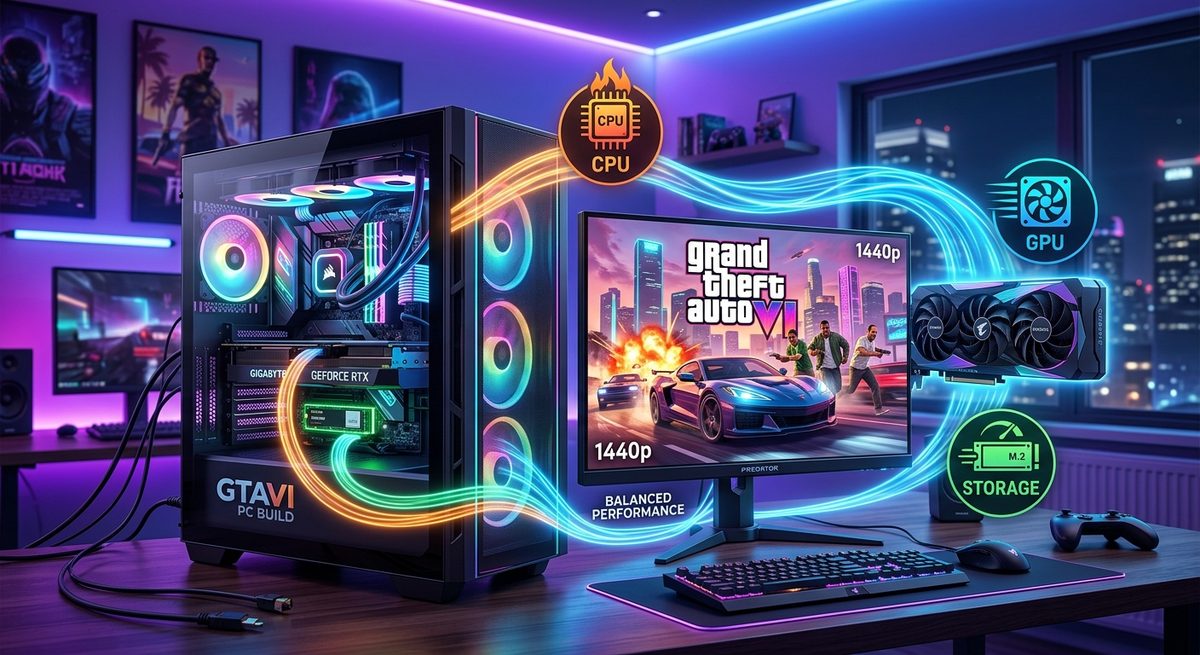
GTA 6 on PC is not a rumor anymore. Rockstar has already proven with GTA 5 and Red Dead Redemption 2 that their PC ports stress test hardware in ways console releases never do. GTA 6 will be bigger in every dimension. That means your CPU, your GPU, and your storage drive all need to pull their weight. Plan one badly, and the others cannot save you.
The Build Equation
- CPU and GPU balance at your target resolution is the foundation of a well-matched build.
- Storage speed and capacity are the third bottleneck variable in any open-world game.
- Running a preload size estimate before buying your drive prevents costly capacity and speed mistakes.
Starting with CPU and GPU: Getting the Pairing Right
The CPU and GPU relationship is where most build planning starts. That is the right instinct. A GPU running at 99% utilization while the CPU sits at 40% means your graphics card is doing its job and the processor is keeping pace. That is the ideal scenario. A GPU running at 55% while the CPU is maxed out at 99% means frames are being held up by the processor. That is a bottleneck, and it actively kills performance.
GTA 6 will almost certainly be CPU-intensive at its core. The franchise has always simulated a high volume of concurrent activity. Traffic, pedestrians, physics, AI routines, and network state all run on CPU threads. A modern 8-core processor is the realistic floor for playable performance at launch. A 12-core or 16-core chip gives you overhead for asset streaming tasks and background processes that open-world simulations depend on continuously.
Pairing that CPU with the right GPU requires knowing your target resolution upfront. At 1080p, the CPU matters more because the GPU finishes its work faster and ends up waiting on the processor. At 1440p and 4K, the GPU carries more work per frame, so the CPU matters less in terms of raw frame output. That does not mean you can ignore CPU selection at high resolutions. Open-world titles draw heavily on CPU threads for game logic regardless of your rendering resolution.
The right approach is to run a bottleneck analysis before committing to a purchase. Feed your CPU and GPU candidates into a calculator alongside your target resolution and game type. GTA 6 falls into the open-world simulation category, which weights the CPU more heavily than a linear first-person shooter would. Aim for a bottleneck percentage below 10% in either direction. That keeps neither component waiting on the other for extended periods.
Why Storage Is the Third Variable Nobody Plans For
Most build guides stop at CPU and GPU. That is a mistake for open-world titles. GTA 6 will stream asset packages from disk continuously as you move through its world. City textures, vehicle models, crowd audio, and environmental details loaded while you drive across town are not sitting in RAM waiting for you. They are pulled from your drive in real time as the game engine demands them.
A slow drive creates a bottleneck that neither your CPU nor your GPU can fix. You see it as pop-in. Textures load a full second after geometry appears. Buildings look blurry until you pull up close. Audio cuts at area transitions. These are not GPU problems. They are storage throughput problems, and no amount of overclocking your graphics card addresses them.
This is what makes storage a true third variable in the performance equation. A well-matched CPU-GPU pair running on a slow 2.5-inch SATA SSD will still produce a degraded experience in GTA 6. The math is direct: if your GPU can render a frame in 8ms but the texture data it needs has not finished loading yet, the frame is not delivered on time. The GPU stalls, and your frame rate drops in ways that feel random and frustrating.
Preload Size and Drive Capacity Planning Before You Buy
Before picking a drive, you need to know what you are working with in terms of install size. Modern AAA titles ship large. Red Dead Redemption 2 on PC required around 150GB at launch. GTA 5 with updates exceeded 100GB. GTA 6 will likely surpass both by a meaningful margin given the world scale Rockstar has been building toward.
The installation footprint matters for two concrete reasons. First, you need enough physical capacity to hold the game. Second, SSDs slow down significantly as they approach their storage limit. An SSD operating at 80 to 90% capacity is not running at its rated read and write speeds. Leaving 20 to 25% free headroom on any SSD is standard practice, and ignoring it turns a fast drive into a sluggish one under sustained gaming load.
Before finalizing your drive purchase, running a GTA 6 storage estimate gives you a concrete size target, factoring in both the preload footprint and the headroom you need to keep drive performance healthy, rather than leaving you scrambling to free up space on release day. For most players, a dedicated 1TB NVMe drive is the practical minimum. A 2TB drive gives you room for GTA 6 plus several other titles without approaching the capacity degradation threshold.
Drive Speed: Where PCIe Generation Matters for Open-World Games
Not all SSDs perform equally, and the differences matter more in GTA 6 than in most other genres. SATA SSDs max out at around 550MB/s sequential read. PCIe Gen 3 NVMe drives reach 3,000 to 3,500MB/s. Gen 4 NVMe hits 7,000MB/s. Gen 5 goes higher still, though real-world gaming gains over Gen 4 remain narrow at present.
For GTA 6, a SATA SSD will likely cause visible pop-in during fast vehicle movement across the city. A Gen 3 NVMe handles most gameplay without major issues but leaves limited headroom during fast-travel loading and dense urban area transitions. Gen 4 NVMe provides a comfortable margin for current game demands and gives you room for the titles that follow.
The reason raw sequential read speed matters more than ever is that GPU-accelerated decompression shifts the asset decompression workload from the CPU to the GPU, but the bandwidth feeding that pipeline still comes entirely from the drive. GTA 6 is expected to support this technology, which makes your drive's read speed a direct input to rendering throughput in a way it never was with older game engines. A faster drive means more compressed data enters the decompression queue per second.
Key considerations for drive selection in a GTA 6 build:
- Gen 4 NVMe drives offer the best value-to-performance position for this title at current prices
- Gen 3 NVMe is acceptable but leaves little headroom during fast traversal and area-load transitions
- SATA SSDs are a real bottleneck risk for continuous open-world asset streaming
- Drives with a DRAM cache maintain consistent speeds under sustained load, which matters far more during gameplay than peak benchmark numbers
- Your motherboard's supported PCIe generation caps your effective drive speed regardless of what the drive's spec sheet claims
Balancing All Three Variables Before Your Final Purchase
The methodology for building a balanced system is the same whether you are talking about CPU-GPU pairing or storage selection. Define your target resolution and frame rate first. Test your CPU-GPU pair against that target using a bottleneck calculator at the correct resolution and game type. Then verify your storage plan against the game's estimated install size and streaming demands before any order is placed.
Running these checks in sequence prevents the most common outcome: a system where one component holds back everything else. A GPU that cannot receive texture data fast enough is just as constrained as a GPU waiting on a slow CPU. The bottleneck logic applies across all three components, not just two of them.
Questions worth answering with real numbers before finalizing your build:
- Does your motherboard support PCIe 4.0 or 5.0 on the NVMe slot you plan to use?
- Is your target drive DRAM-backed, or DRAM-less? DRAM-less drives degrade under sustained sequential loads common in open-world gaming.
- What is your estimated total install size for GTA 6, and does your chosen drive capacity leave 20 to 25% free headroom?
- Is your CPU bottleneck percentage below 10% at your target resolution with your chosen GPU?
- Does your GPU carry enough VRAM for GTA 6 at your target resolution? 8GB is the realistic floor for 1440p, and 12GB gives you a safer margin.
Answering these questions with real data, not assumptions, means you are building from evidence rather than spec-sheet hope.
Three-Part Balance: The Standard Your GTA 6 Build Should Meet
GTA 6 is going to be one of the most demanding open-world simulations ever built for PC. The city scale, simulation density, and visual fidelity all depend on fast, continuous asset streaming from disk. A slow or undersized drive does not just waste your GPU's potential. It undermines the entire system you spent time and money to optimize, turning a capable build into a frustrating one.
Treat CPU-GPU balance as the foundation and run your bottleneck analysis at the resolution you plan to play. Then apply that same measurement-first logic to storage. Size the drive correctly. Pick the right PCIe generation for your motherboard. Leave adequate free space before the game ever installs. That three-part balance is the standard every build should reach before a single component gets purchased, not something you patch together after the fact.
